LIVE DEMO · FIELD PROOF
Marina Live Demo — Field Proof & Technical Summary
When an anomaly happens, everyone sees what they need — not the same message.
Summary
MarinaCount connects smart pedestal hardware, PWA mobile experience, marina operations panel and AI-assisted anomaly/crisis management on one real-time layer. This page provides a general, non-priced technical summary of scenarios shown at live demonstrations at pilot marina sites.
What it does
The live demo shows end-to-end flow between field pedestal hardware, the central operations layer and mobile PWA. It is not slide-only: physical pedestal commands, live meter telemetry, mobile session flows, SOS/crisis scenarios and the AI operations layer run on the same production architecture. Marina operations teams monitor the pedestal fleet, alert queue, consumption reports and command flows through the operations layer. The boat owner / marina user perspective is shown via PWA; technical team and management perspectives via the central operations layer.
Who it is for
Marina IT, technical services, operations desk, security, procurement committees and multi-marina group management. Especially teams evaluating pedestal + software + mobile + AI operations as one field-proven system.
Demo scenarios
Live demonstrations typically cover these end-to-end scenarios:
- Pedestal pairing — QR/RFID mobile session start with instant central visibility
- Electricity/water consumption — pulse meter telemetry, live and period reporting
- Remote command — authorized backend workflows for on/off, credits, emergency stop
- AI operations command — natural language requests through intent validation and authorization
- SOS flow — mobile trigger, location sharing, central panel alert and coordination
- Anomaly scenario — power/water/connectivity events become role-specific action messages
- Operations layer — fleet, alert queue, command flow, service history
Role-based crisis visibility
The demo shows how one event reflects differently for each role:
Clear notification: service status, safety guidance, next steps and SOS/help flow when needed.
Event priority, location, affected pedestal/unit, user context and recommended response sequence.
Fault type, field location, likely cause, check steps and intervention priority.
Crisis summary, impact scope, response status, closure time and reportable event history.
Field → center flow
The demo shows how raw field data becomes operational visibility:
- Pedestal signal — status, consumption, connectivity, card event
- AI classification — event type and severity
- Role-based alert — marina user, operations, technical, management
- Operation workflow — response, command, approval
- Resolution log — audit trail and closure
Demo environment & scope boundary
The demo uses the same software backbone as production; integrations activated in project phase (ERP, fire sensors, signage content network, etc.) are planned separately. This page contains no pricing, contract terms or customer-specific commercial details.
Key features
- Smart pedestal — electricity, water, QR/RFID, sensors, alarms, digital signage
- PWA mobile — session, consumption, notifications, payments, SOS (no app install)
- Operations panel — fleet, map, alert queue, command flow, reports
- Modbus RTU/TCP + MQTT — live command and telemetry
- AI anomaly/crisis layer — role-specific action messages
- Pulse metering architecture — isolated electricity/water channels
- Security — JWT, authorization, audit log, emergency stop flows
- 125A+ toroidal earth-leakage detection + relay/contactor trip
Field visuals
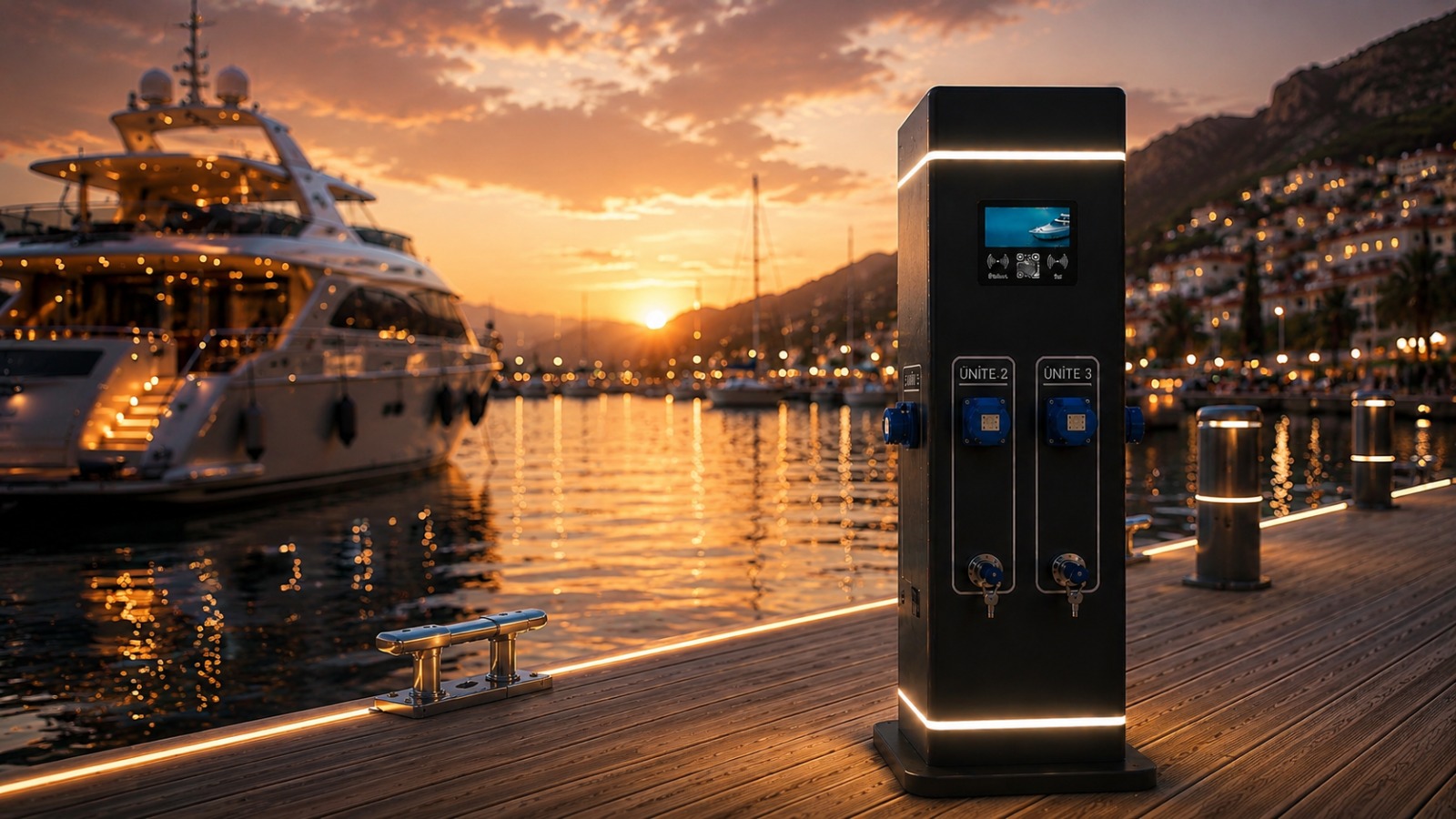
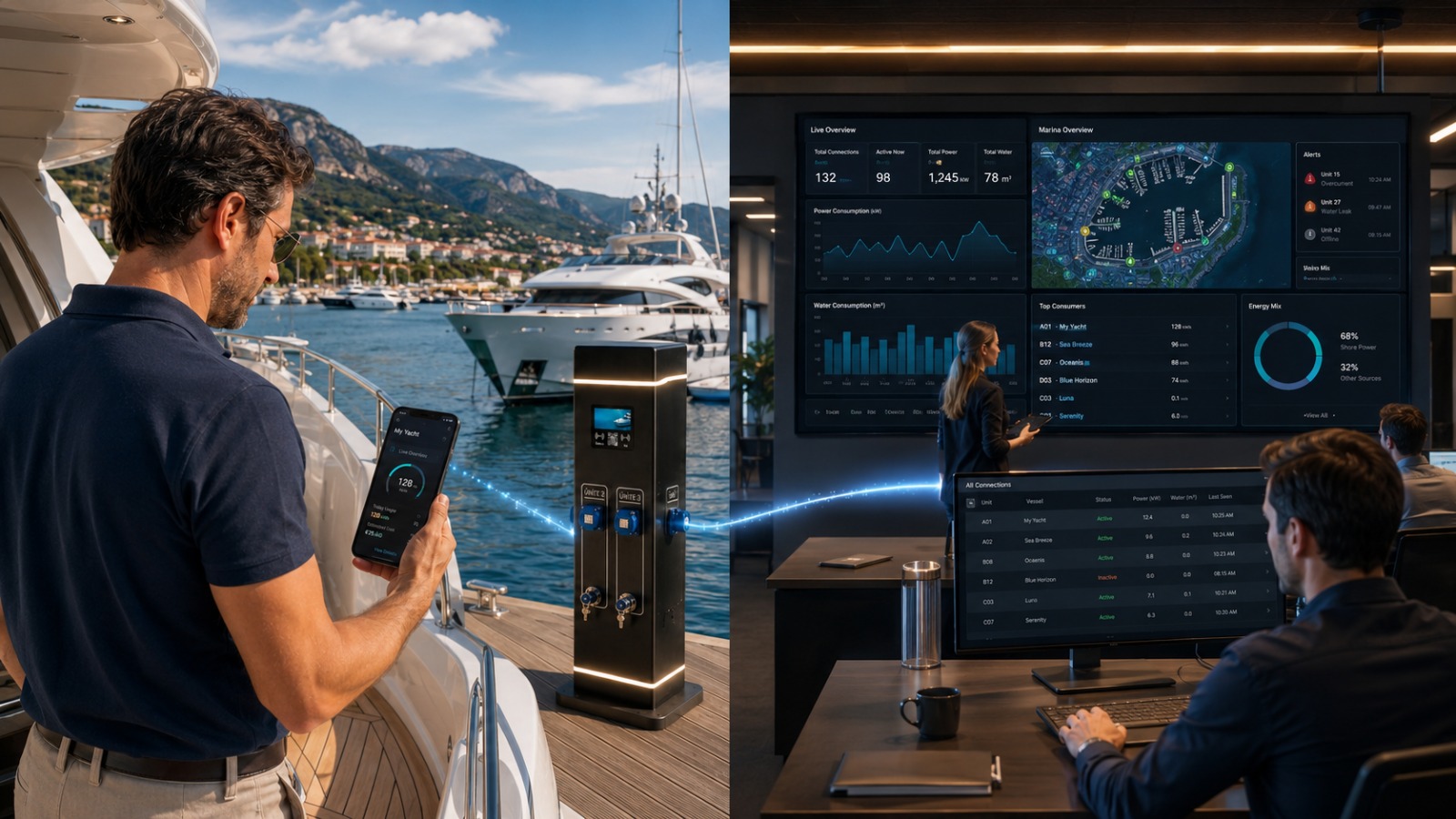
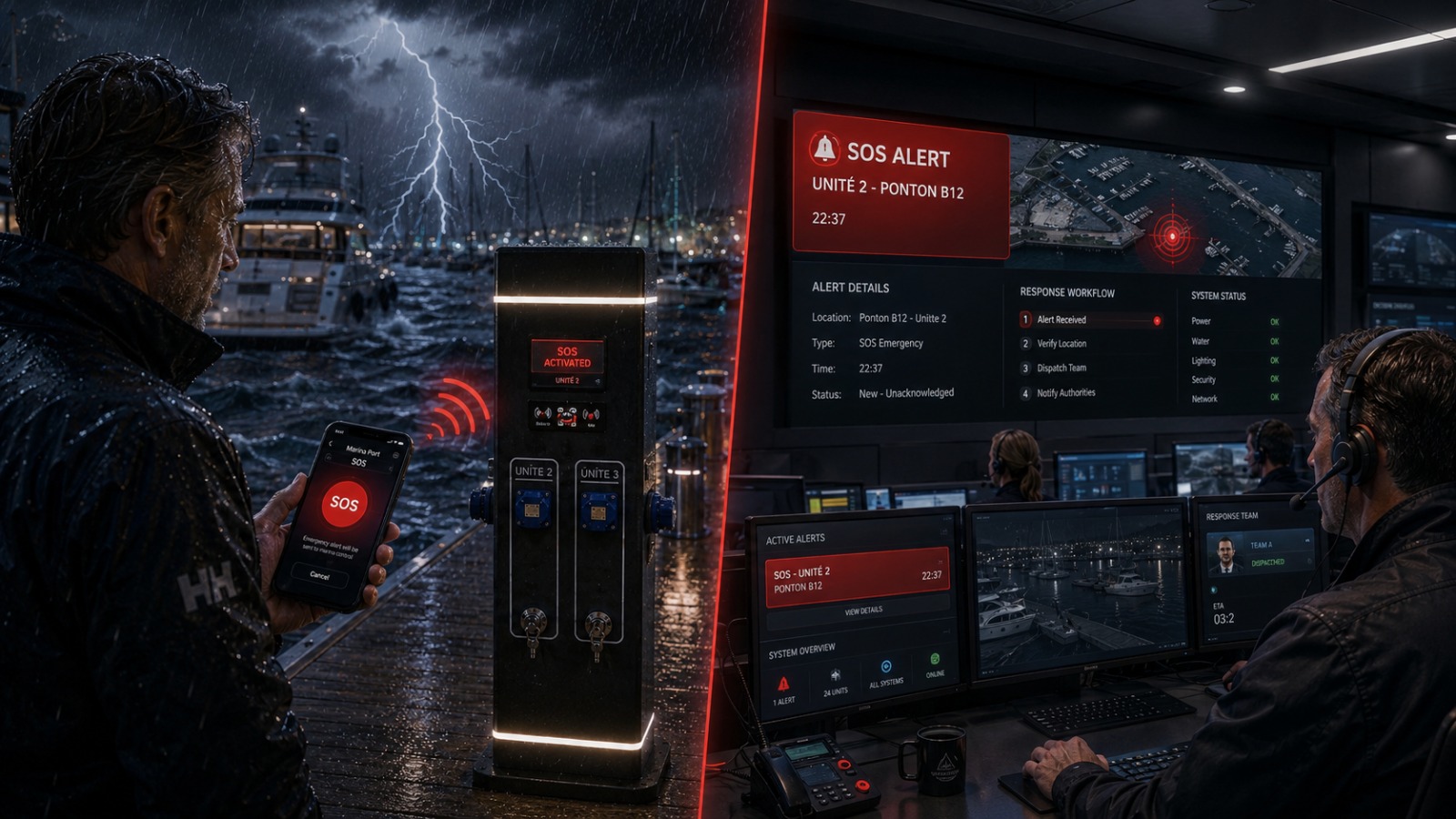
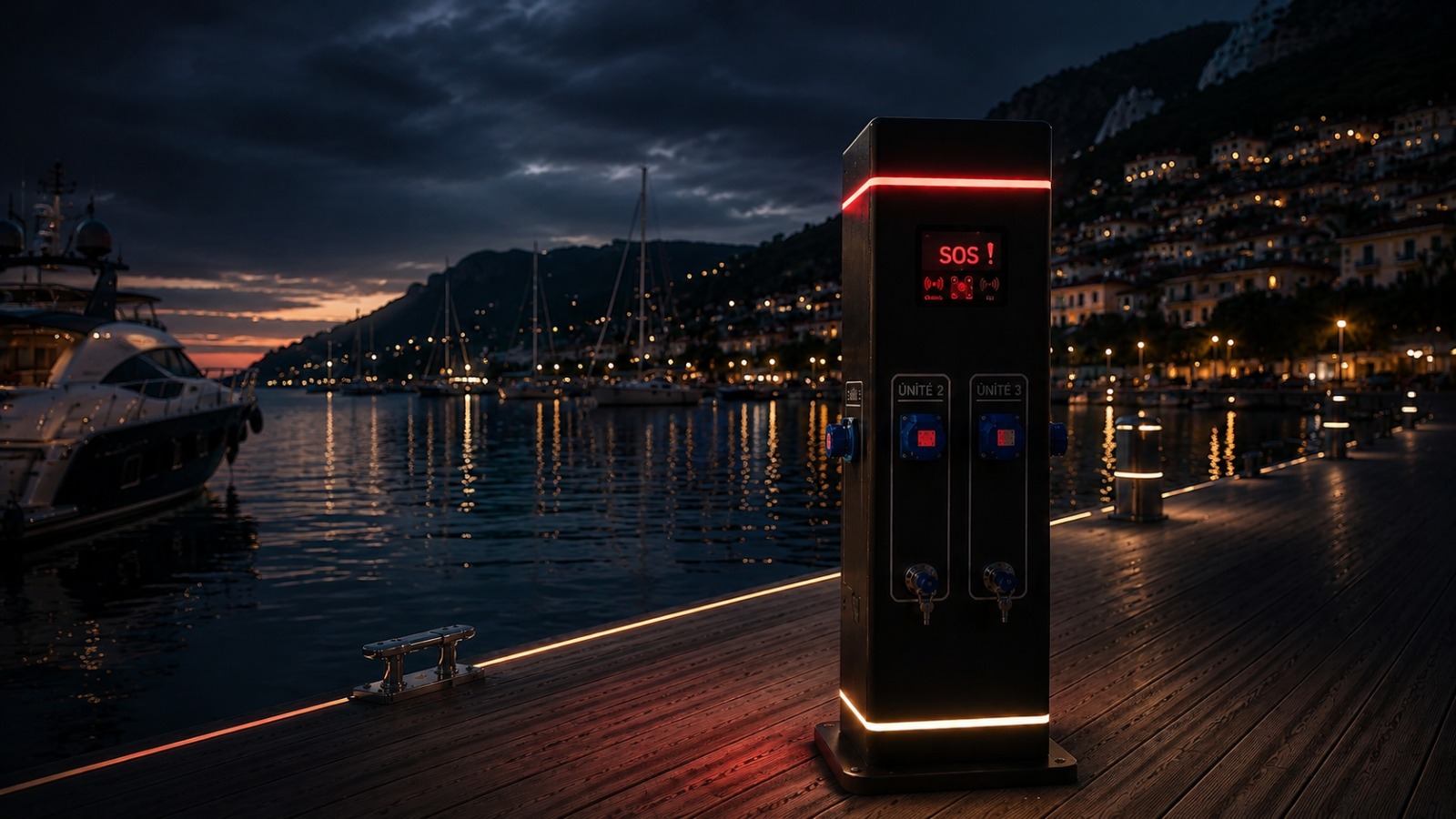
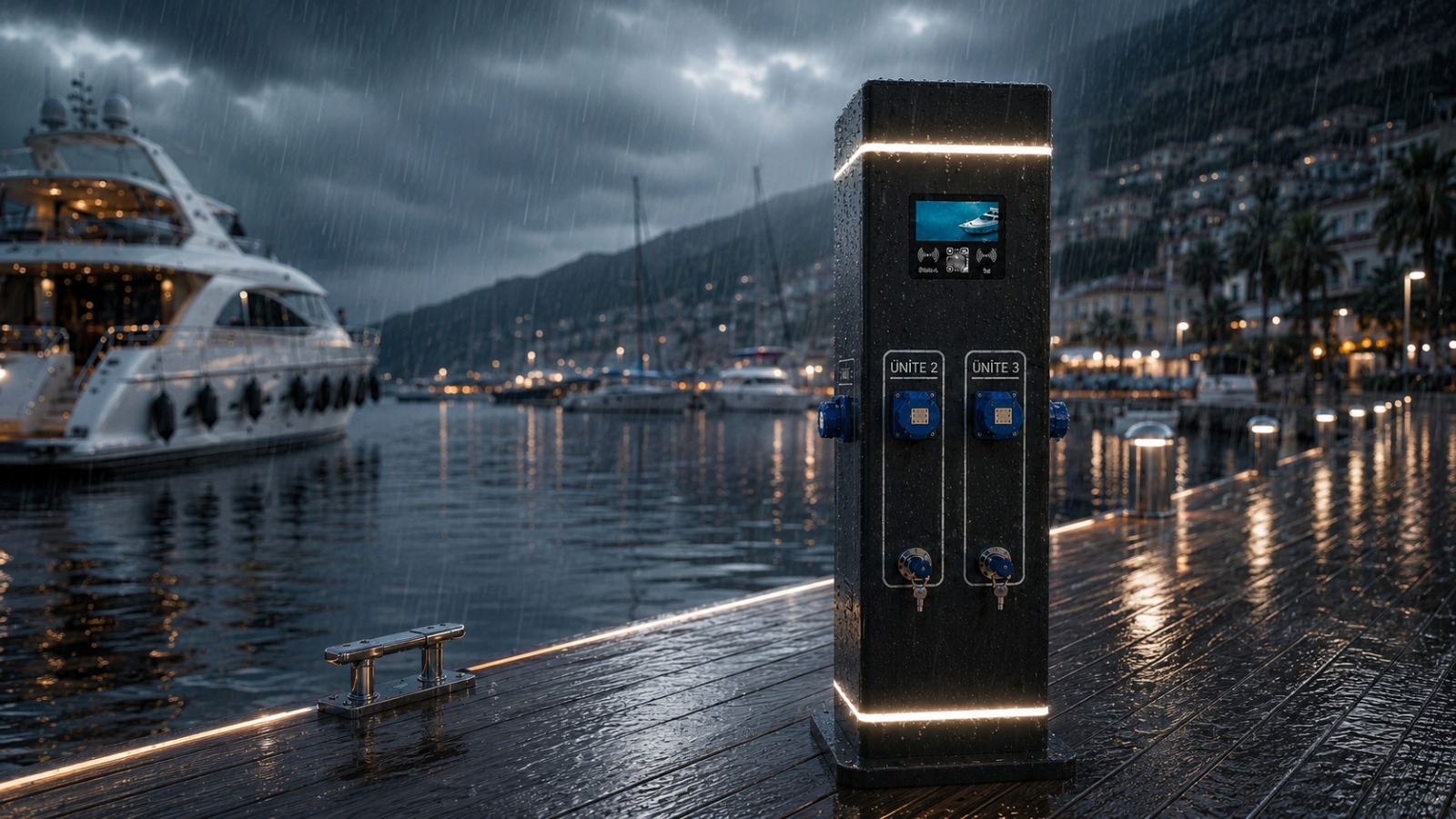
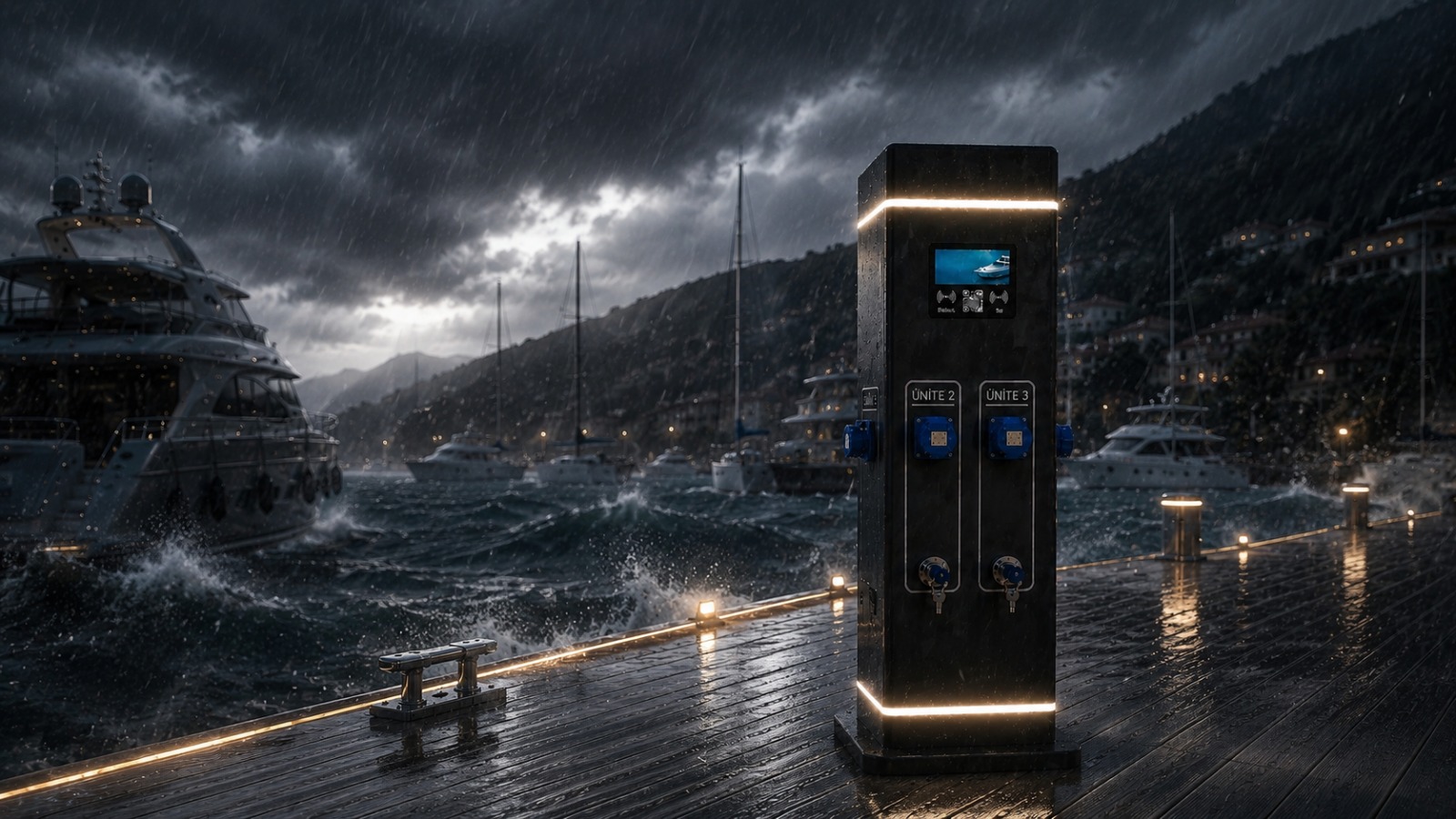
Technical architecture
Field hardware → secure field connectivity → enterprise platform API → operations layer → mobile PWA. Physical commands pass through authorized workflows; AI intent validation and role-based authorization apply. The demo runs on the production backbone — not a separate demo application.
Proof / maturity
Demonstrated at a pilot marina site with marina IT, technical services and operations teams on-site: Modbus/MQTT control, metering reports, end-to-end mobile flow, AI command, SOS/crisis scenario and operations panel module inventory. Industrial component stack (SIEMENS, ENTES, Mennekes) and local manufacturing (ASIA A.Ş.) used in demo hardware.
Frequently asked questions
Is there pricing on this page?
No. Priced proposals are shared only in tender or contract process.
Simulation or real pedestal?
Real pedestal hardware and production software backbone. Scenarios are shown in a controlled demo flow; measured data and commands pass through real MQTT/Modbus channels.
Which modules are in demo scope?
Pedestal fleet management, mobile PWA session, consumption/metering, alert and command flow, SOS, AI operations layer and core operations panel modules are typical demo scope. ERP, signage content network and fire sensor integration are planned in project phase.
Does AI apply physical commands directly?
No. Free text alone is not sufficient; intent validation, role, scope, approval and audit logging layers apply.
Does SOS replace official emergency lines?
No. For in-marina assistance and operations coordination; official emergency numbers must still be called.
How many pedestals for a demo?
Basic flow can be shown with one pedestal; fleet, alert queue and multi-unit scenarios are planned in advance.
How to request a live demo?
Submit via marina application or contact form. The technical team plans on-site or remote sessions based on marina infrastructure and demo goals.
Related pages
Contact & demo
Contact us for a demo or proposal
/en/marina-live-demo